Tidewater puts a real ocean in your Three.js scene

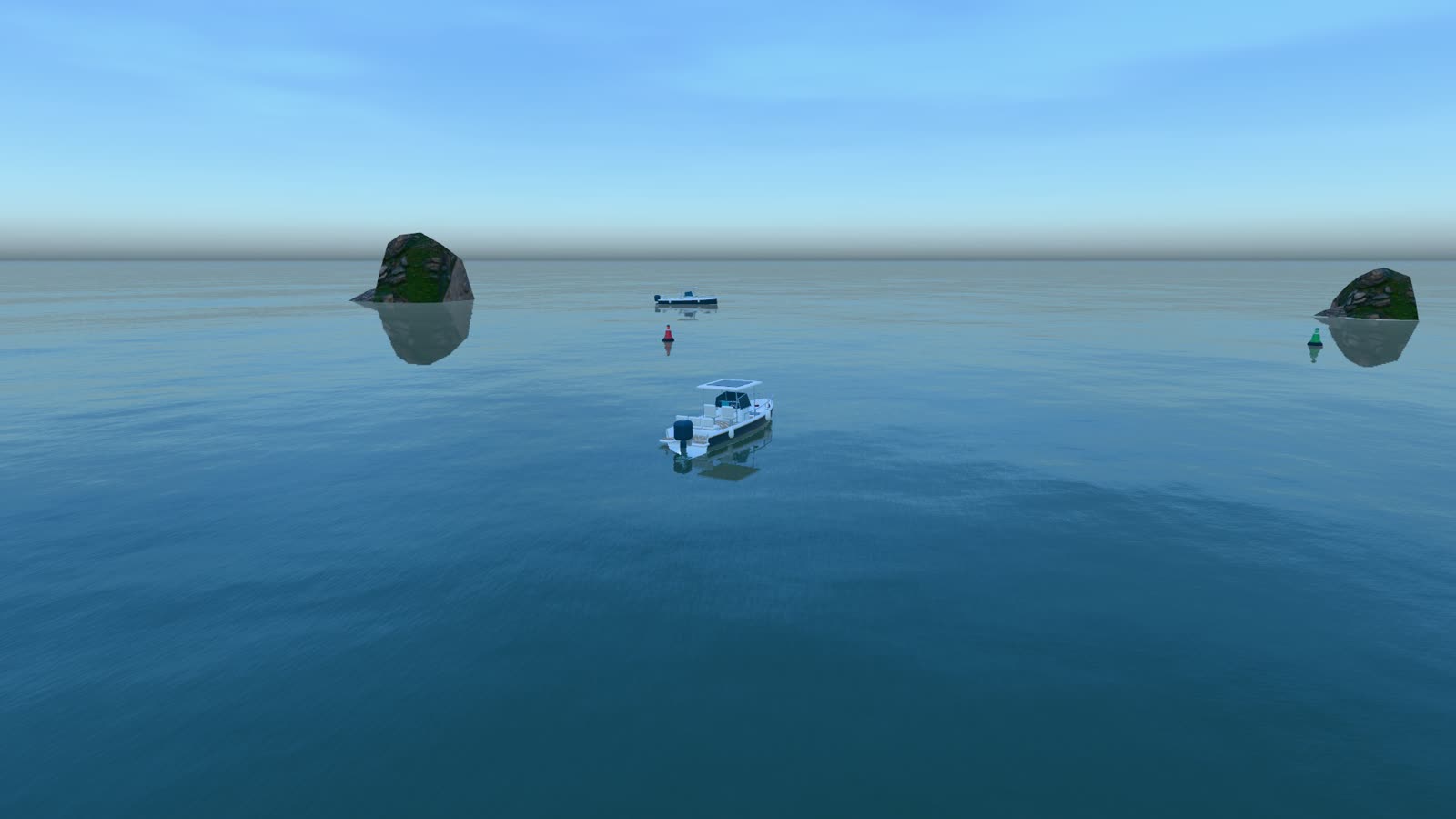
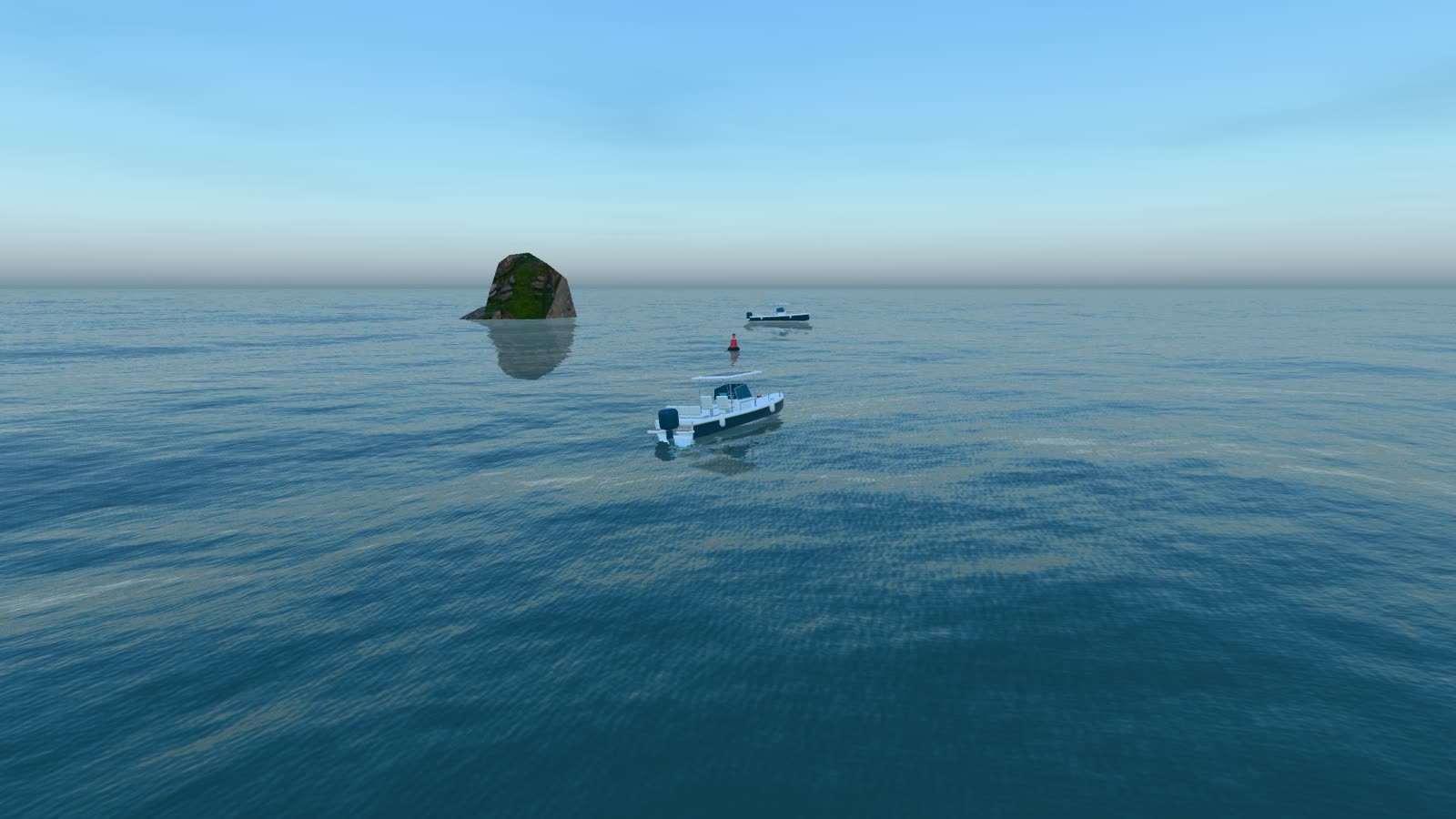
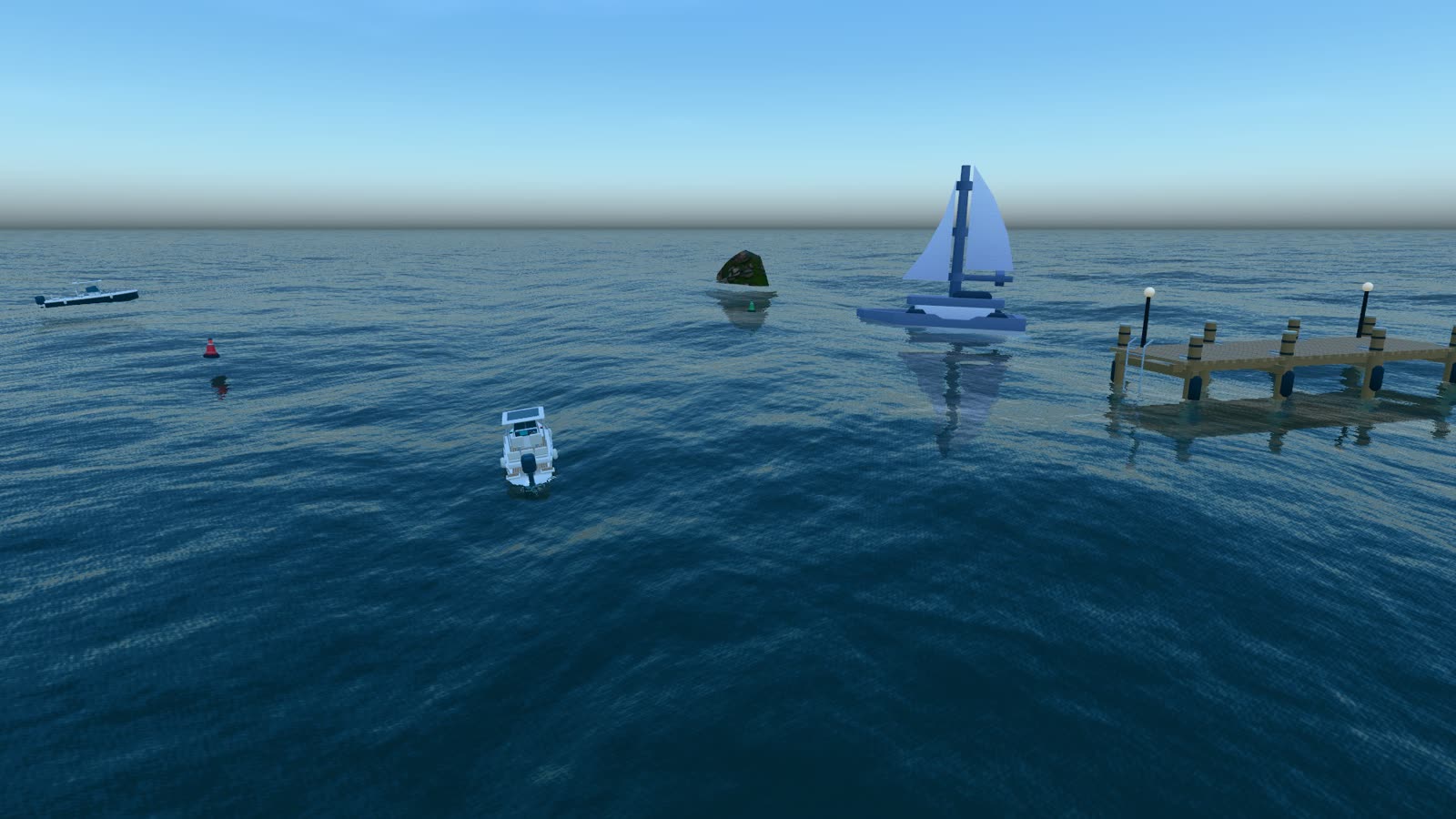
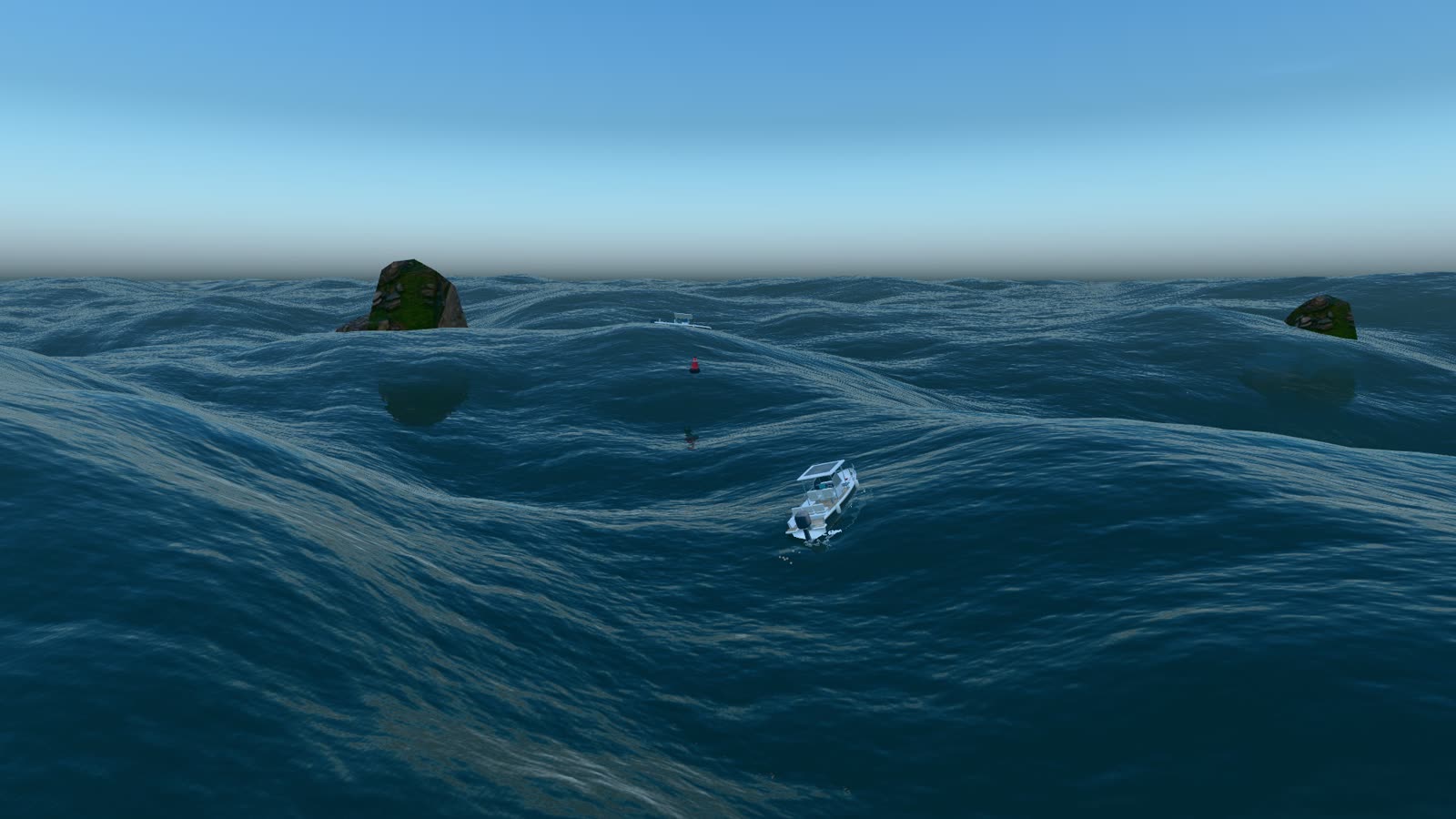
FFT waves, wakes that stay, surf, underwater and buoyancy, rendered on WebGPU with a WebGL2 fallback. Every clip on this page came straight out of the library.

One call sets up the water and anything you add to it floats

createWater() wires the waves, foam, wakes, buoyancy and splashes into your existing renderer and scene. You keep your camera, your models and your render loop.

main.jsindex.html
import { createRenderer } from 'tidewater/renderer.js';
import { createWater } from 'tidewater/Tidewater.js';

const { renderer } = await createRenderer();
const water = await createWater({
  scene, camera, renderer, mode: 'tranquil',
});

// Mass and displaced volume decide how each one sits.
for (const duck of ducks) {
  scene.add(duck);
  water.buoyancy.attach(duck, {
    kind: 'dynamic', hydrostatic: true,
    mass: 120, volume: 0.6,
  });
}

renderer.setAnimationLoop(() => {
  water.update(1 / 60);
  renderer.render(scene, camera);
});
Rendered on WebGPU, captured frame by frame Read the setup guide

Built for scenes people look at closely not a water plane with a scrolling normal map

Tidewater simulates the surface and then lets everything else in your scene take part in it: boats, crates, cameras that dive, lights after dark.

Waves that act like the sea from a glassy bay to a 16 m swell

Long swell and short wind chop move together on one surface. Foam forms where the water folds, drifts downwind and fades on its own time.

Three cascades at 256, 64 and 16 metres. Buoyancy reads a CPU mirror of the same field, so nothing waits on a GPU readback.

A hull writes its wake into a world-locked field. The trail bends the surface, seeds foam and fades at the rate the preset sets.

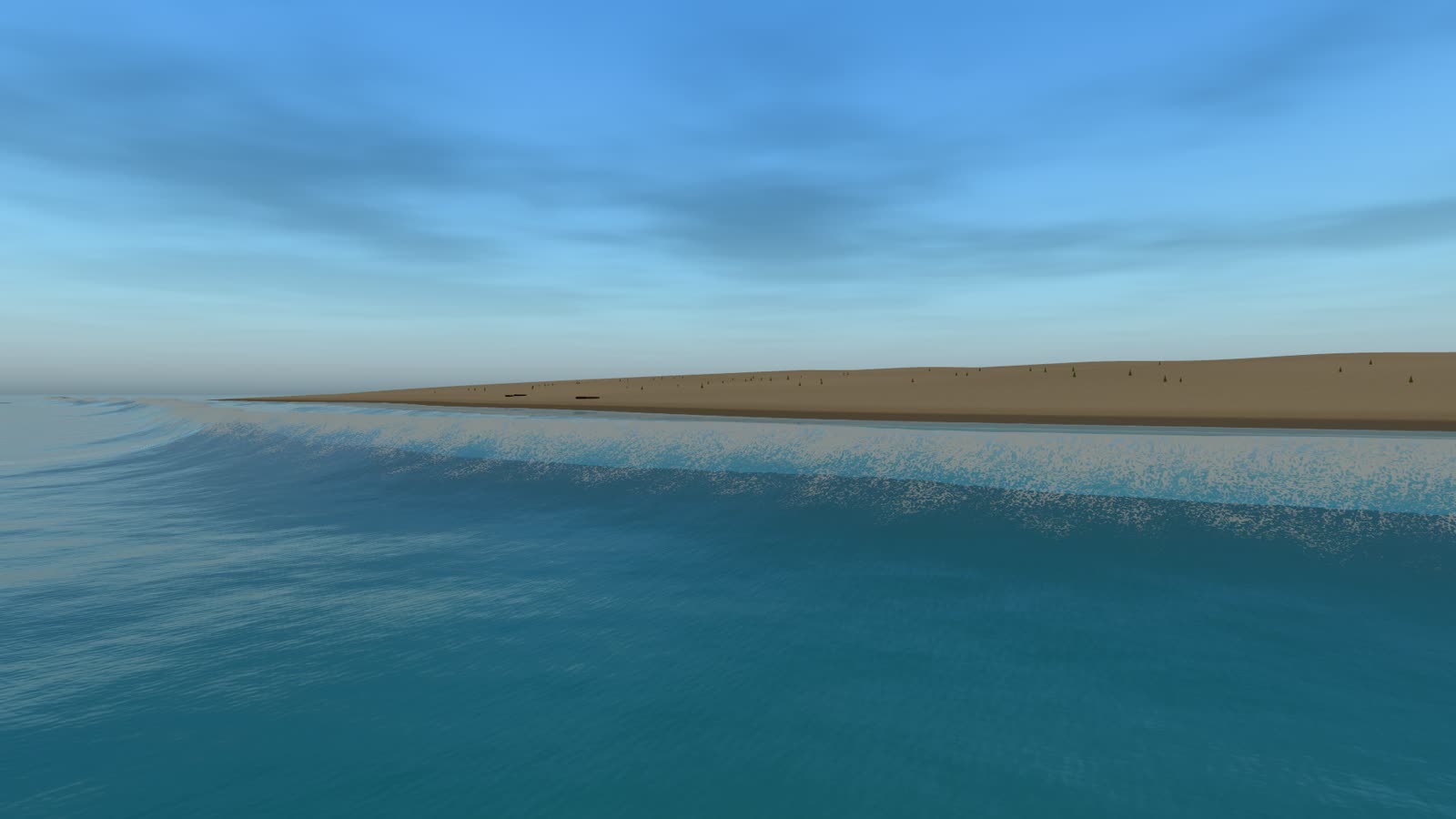
A depth field shoals the swell and breaks it once wave height passes 0.78 of the depth. The swash leaves the sand wet behind it.

One value drives sun, sky, fog, reflections and water colour. After dark, point and spot lights lay broken columns across the chop.

Huge Swell preset, the launch riding a long ground swellTry it live

Anything can touch the water and float, splash or leave a wake

Register a mesh and it gets buoyancy, a wake and a splash. Boats also get a hull mask, so the sea stays out of the cockpit.

Hydrostatic bodies find their own trim from mass and displaced volume. An impact throws spray and sends rings across the surface.

addBoat(gltf.scene) measures the model, seats the keel at its draft and hands back a hull with buoyancy, masking, bow and stern wake and spray.

The camera can dive and come back up without a dropped frame. Fog, light and sound change at the crossing, water runs off the lens, and from below the surface shows Snell's window.

Rubber ducks finding their own trimDrive the launch

Plain ES modules from a phone up to Ultra

No bundler and no npm install. Put the folder next to your import map. TypeScript declarations, a React Three Fiber wrapper and the handbook come in the zip.

The runtime picks a tier from the device, then dynamic resolution holds the frame rate inside it. Pixels go before features.

Share a seed and an integer tick and every client computes the identical surface. No wave data crosses the network. Two clients, live.

One import map and one module script. Pin the Three.js version you have tested; r184 is the minimum.

<Tidewater> and <Ocean> components, with hooks for anything that needs the wave height.

TierFFT gridPixel ratioSkyReflections
Low64²≤ 0.6No cloudsPlanar
Med128²≤ 0.85CloudsScreen space
High256²≤ 1.0Clouds, god raysScreen space
Ultra256², denser mesh≤ 1.5Clouds, god raysScreen space
Two independent Tidewater clients side by side rendering the identical sea state
<script type="importmap">
{
  "imports": {
    "three":        ".../three@0.184.0/build/three.module.js",
    "three/webgpu": ".../three@0.184.0/build/three.webgpu.js",
    "three/tsl":    ".../three@0.184.0/build/three.tsl.js",
    "tidewater/":   "./tidewater/"
  }
}
</script>

<script type="module" src="./main.js"></script>
import { Canvas } from '@react-three/fiber';
import { Tidewater, Ocean, createTidewaterRenderer } from 'tidewater/r3f';

export default function App() {
  return (
    <Canvas gl={createTidewaterRenderer}>
      <Tidewater mode="sunset" time={0.74}>
        <Ocean />
        <Crate x={4} z={6} />
      </Tidewater>
    </Canvas>
  );
}
Picked from the hardware, overridable with ?quality=Open the docs

Fourteen presets each one sets waves, sky, foam, fog and seabed together

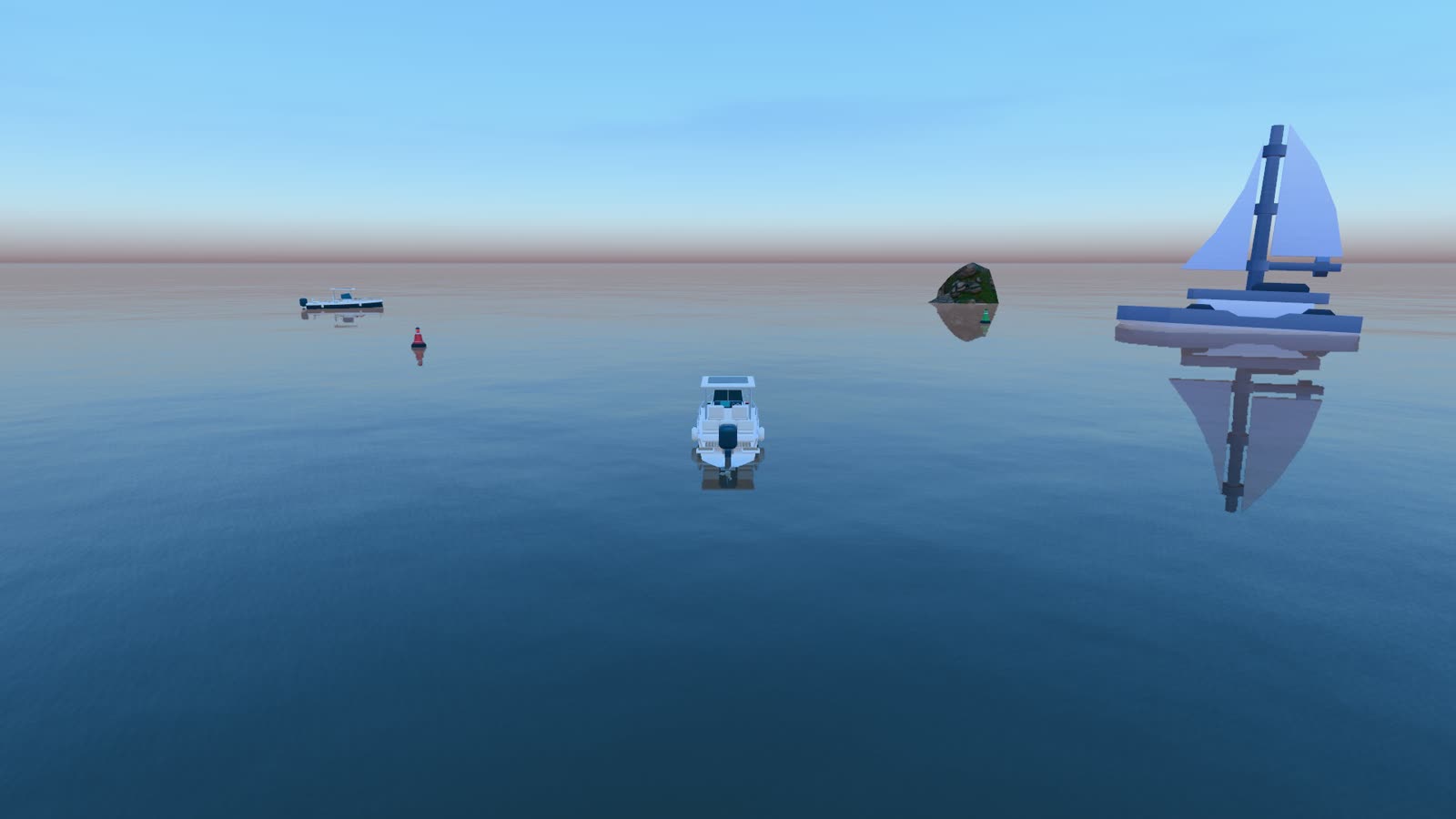
  • Reef preset, a teal calm bay
    Reef0.5 m chop
  • Tropical preset, a turquoise lagoon
    Tropical1.2 m
  • Offshore preset, busy blue open ocean
    Offshore2.6 m
  • Huge swell preset, rolling deep-ocean swells
    Huge Swell16 m
  • Sunset preset, warm amber sky
    Sunset1.6 m
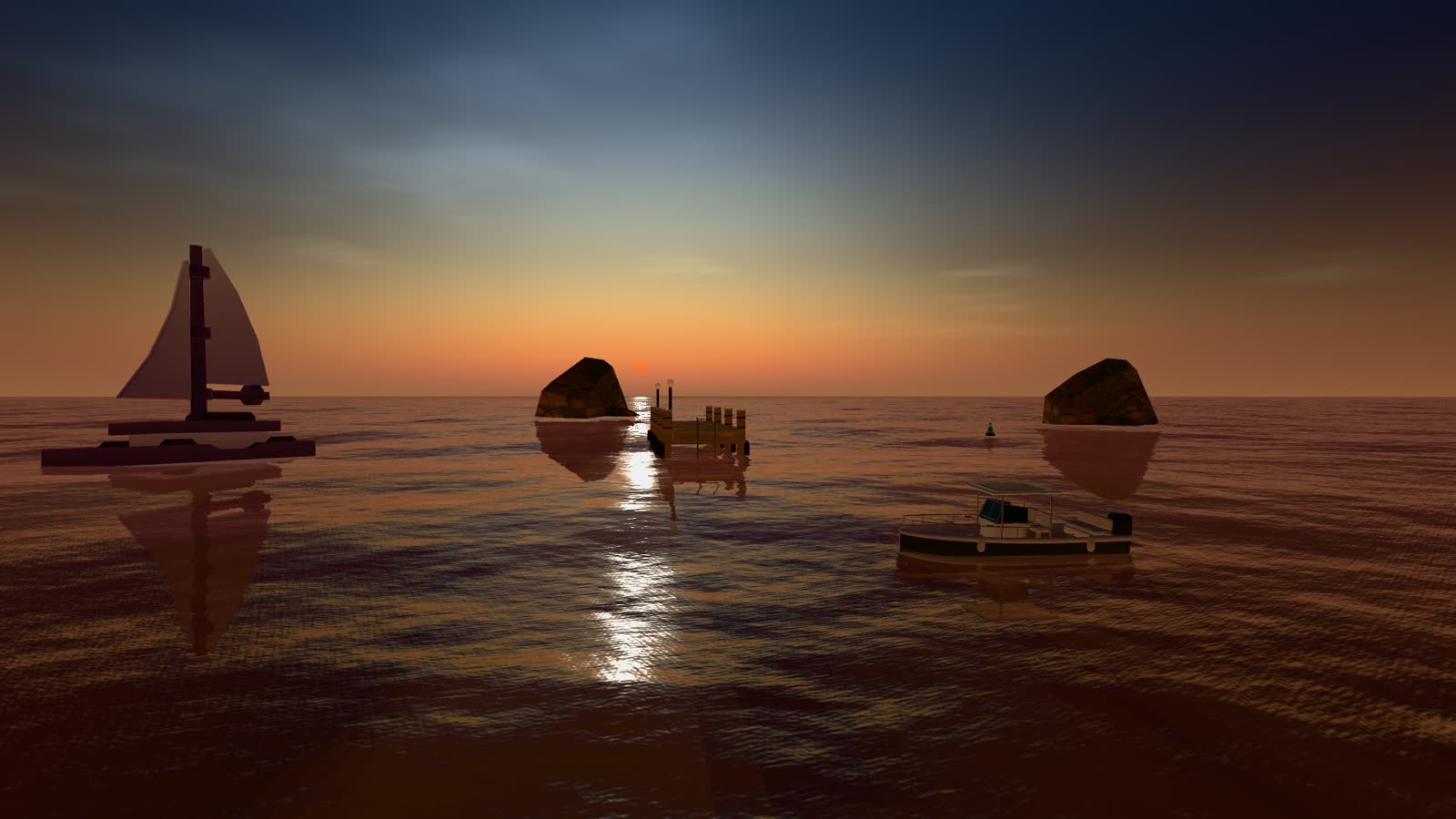
  • Tranquil preset, glassy calm at twilight
    Tranquil0.2 m
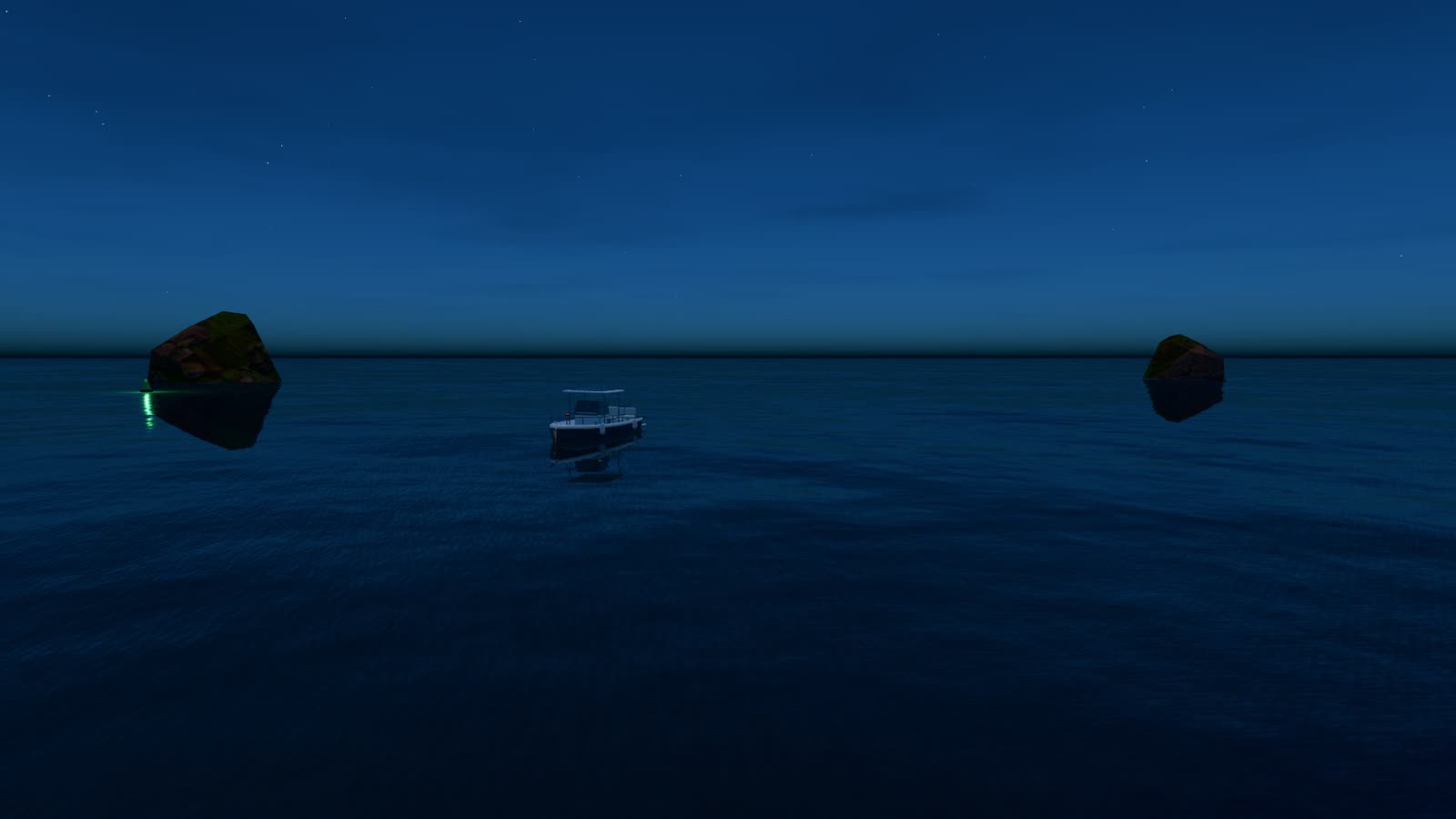
  • Moonlit preset, dark night water under the moon
    Moonlit0.6 m, night
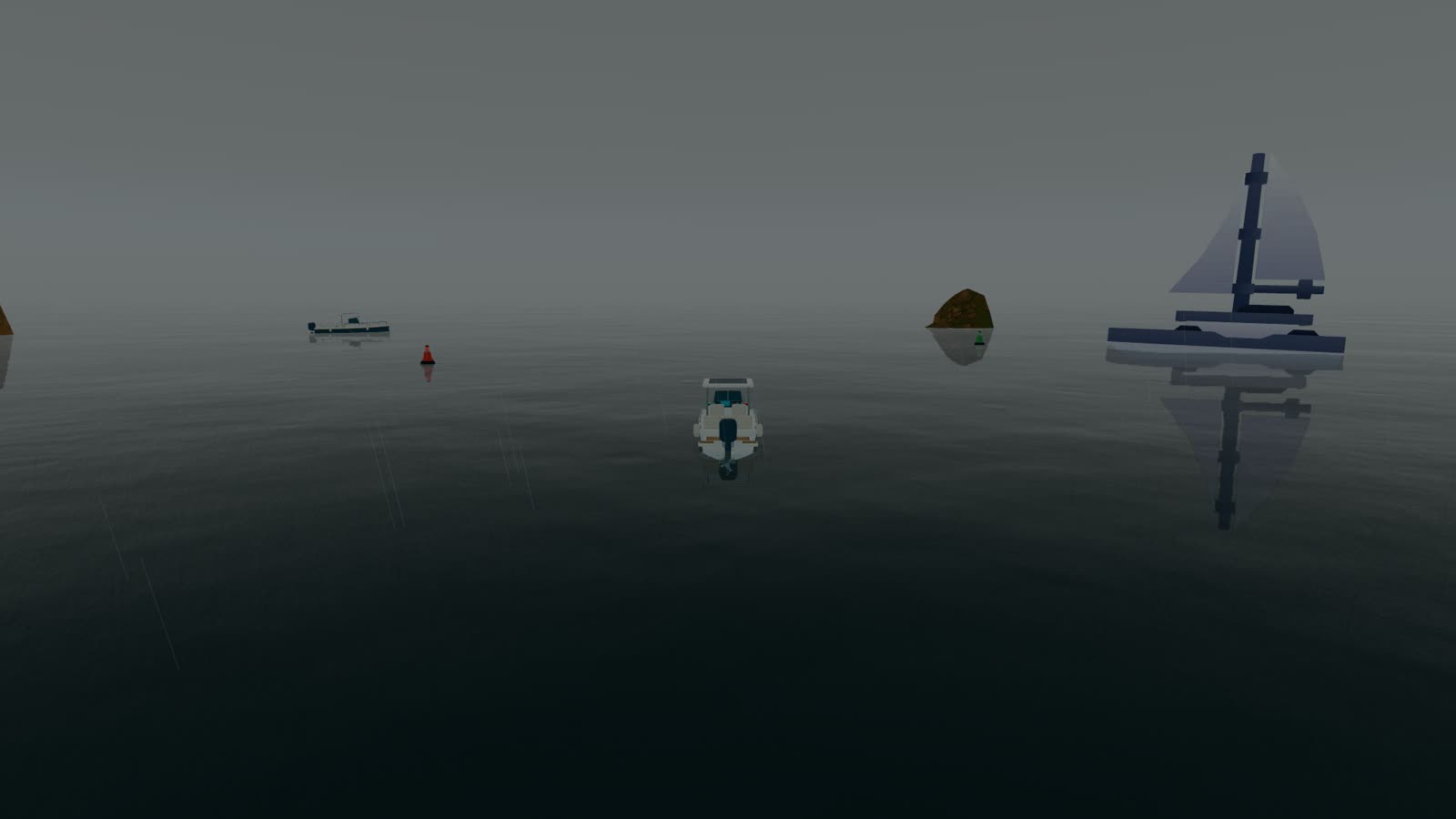
  • Foggy preset, low visibility horizon
    Foggy0.8 m, low visibility
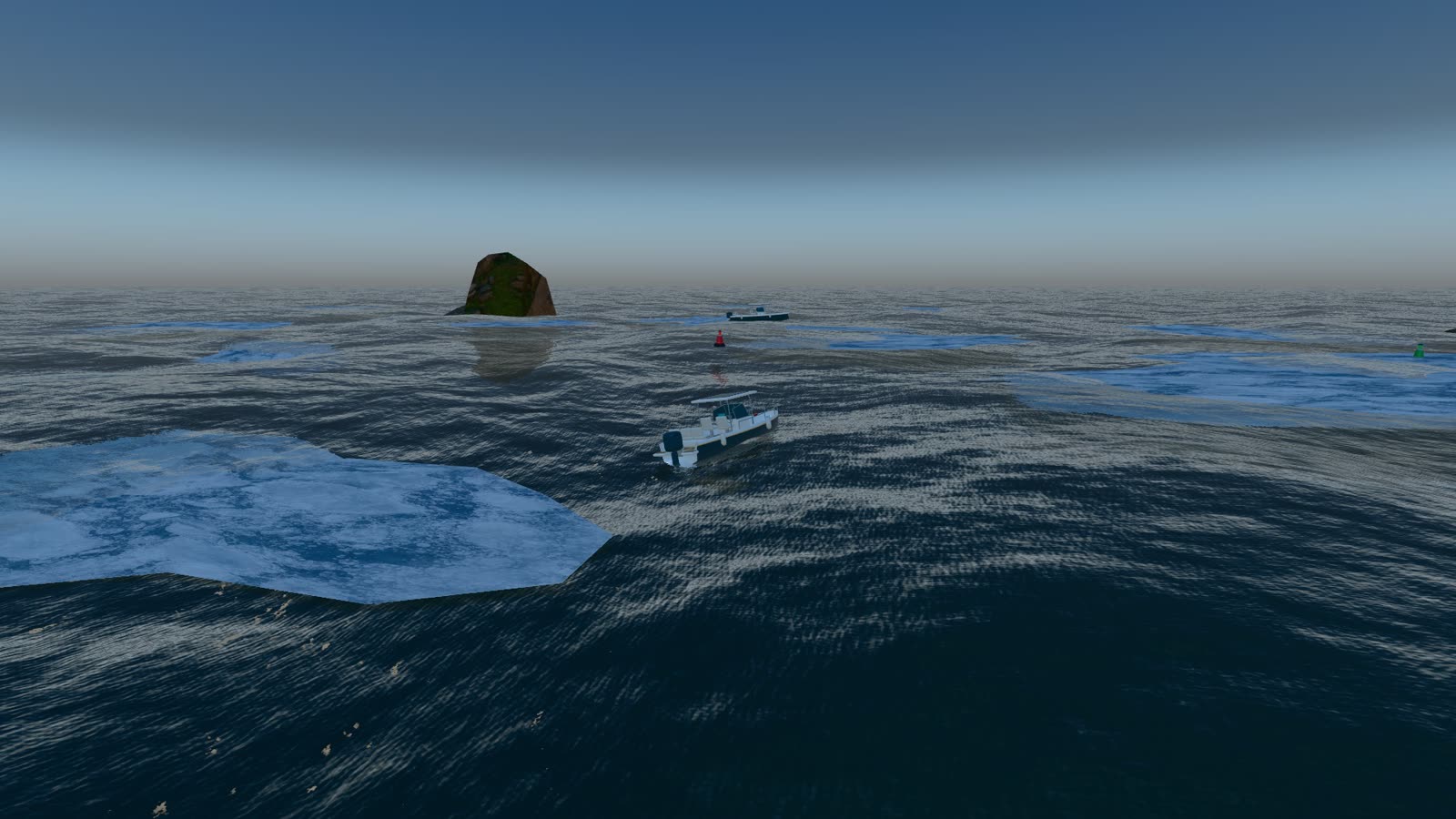
  • Arctic preset, ice floes among dark outcrops
    Arctic1.4 m, floes
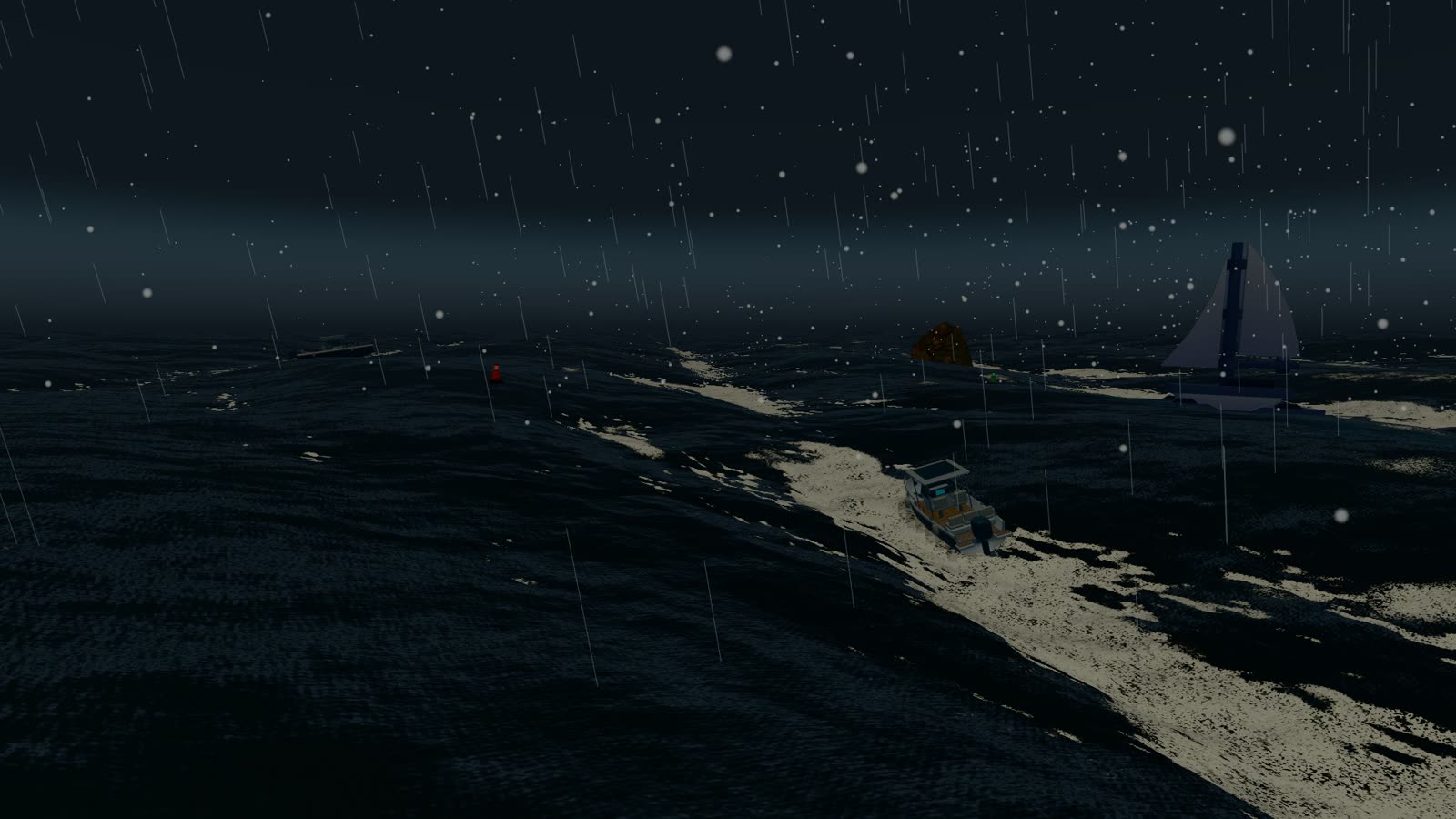
  • Hurricane preset, storm sea with spray
    Hurricane9 m, spray
  • Beach preset, a ground swell breaking onto sand
    Beach7 s shore break
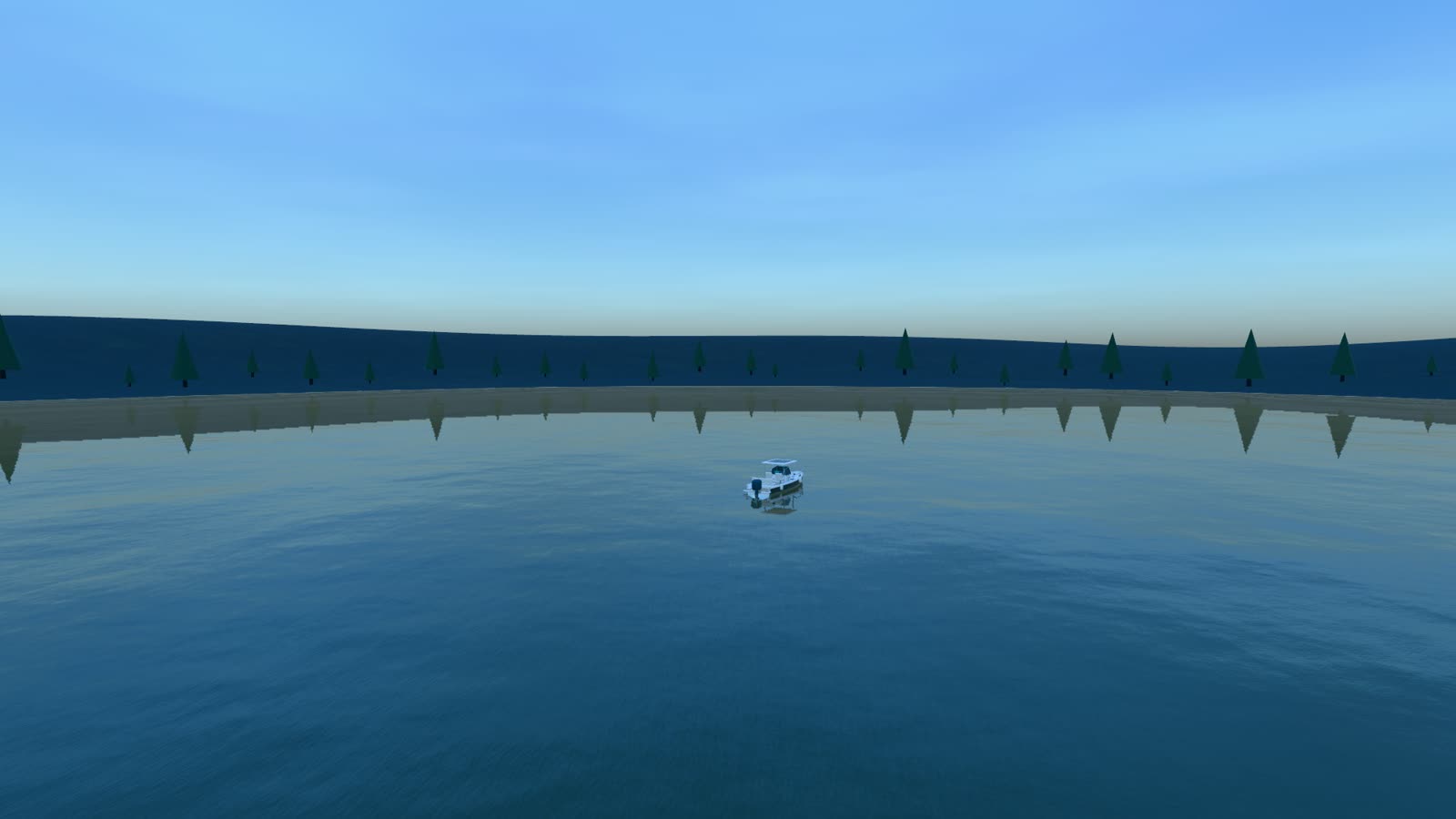
  • Lake preset, wooded hills around freshwater
    Lake0.4 m, shoreline
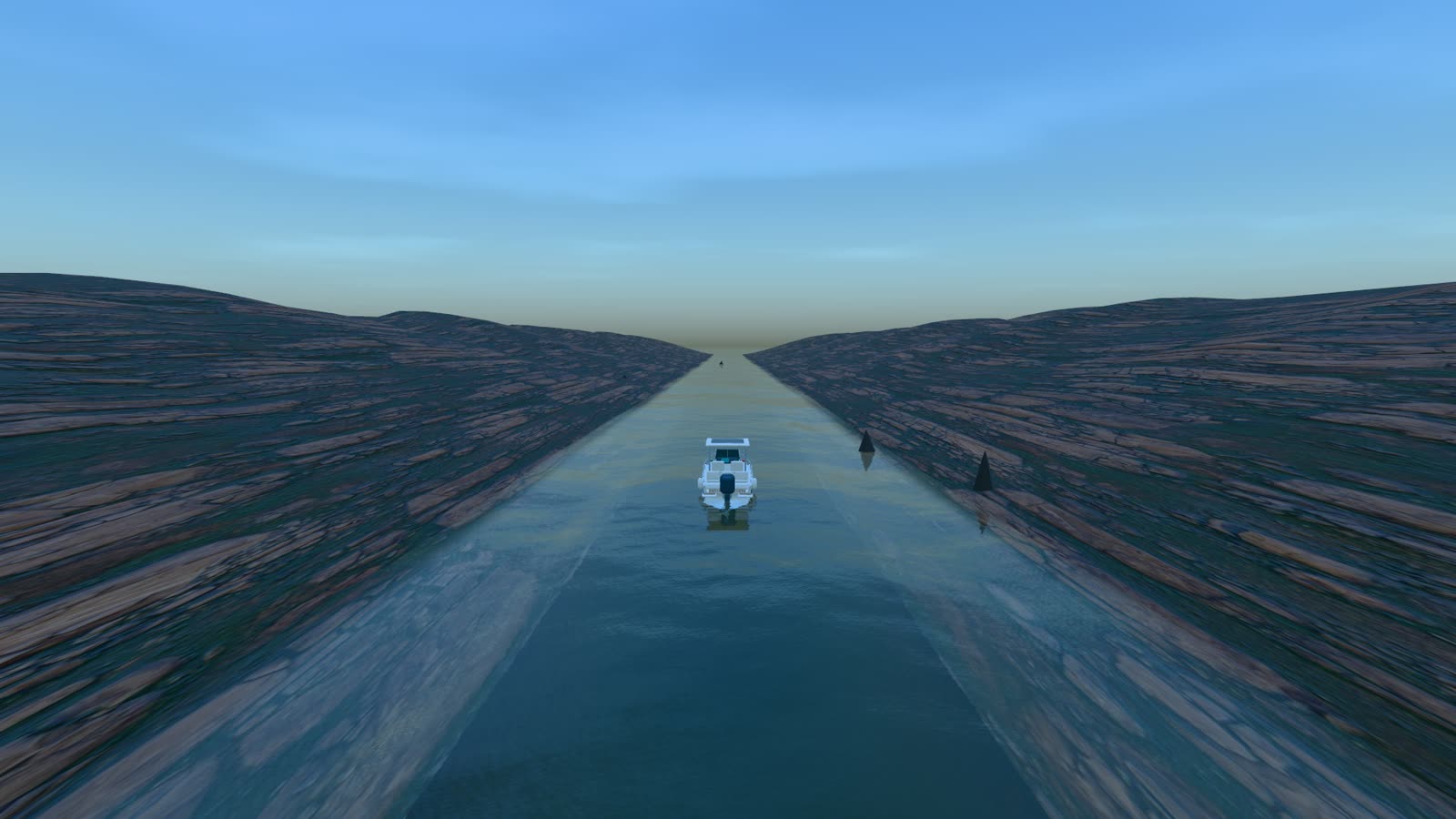
  • River preset, water flowing between two rocky banks
    River2 m/s flow
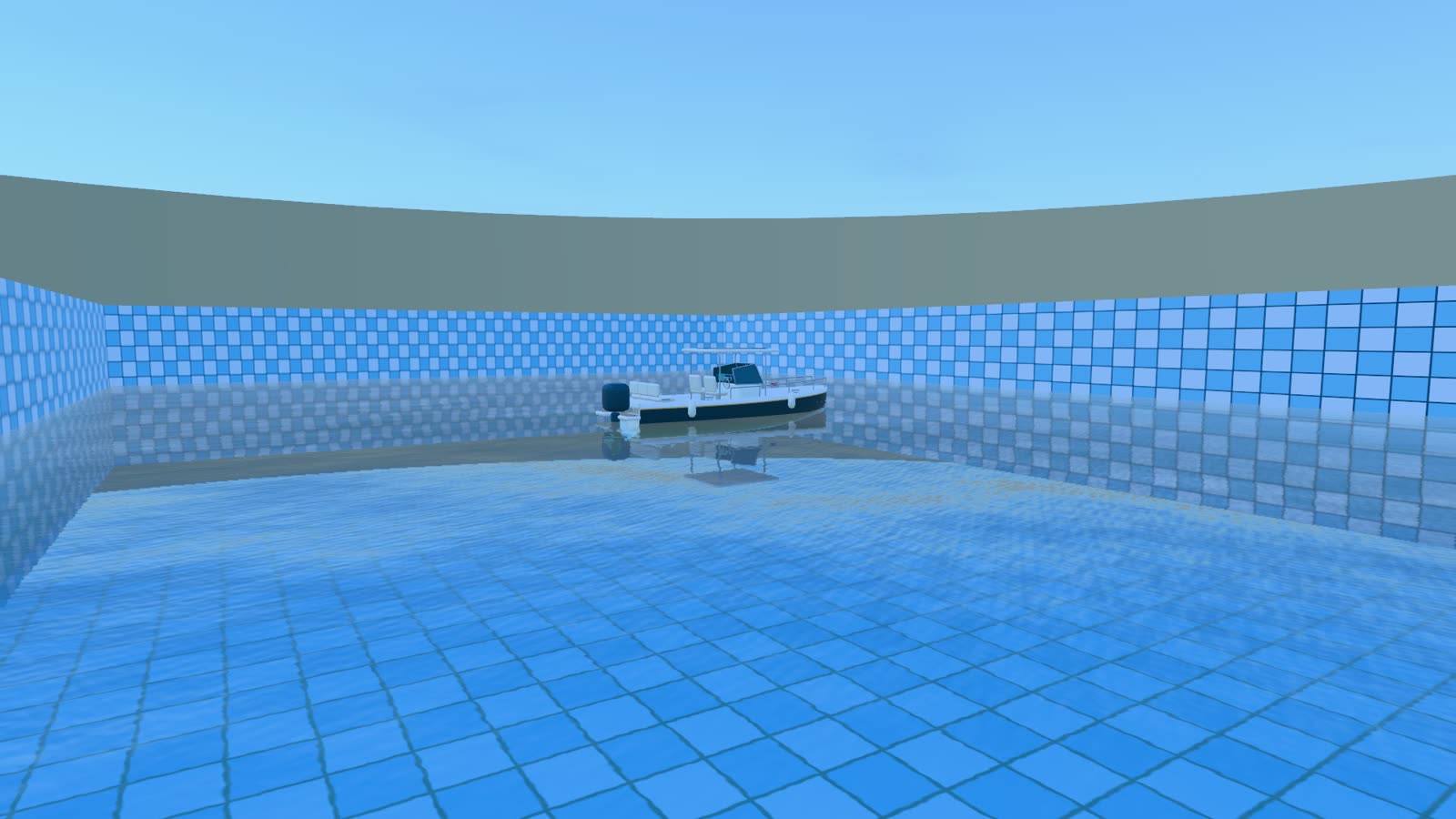
  • Pool preset, tiled walls around bright clear water
    Pool60 × 38 m basin

Everything in the zip with every 1.x update included

  • Library source

    The complete src/ module tree this site runs on, unminified.

  • Original models

    The launch, buoy and jetty, with the editable Blender scenes they were built in.

  • TypeScript declarations

    Types for createWater, the WaterSystem API and every public class.

  • React Three Fiber wrapper

    Components and hooks that load straight from an import map.

  • Handbook and examples

    Setup, a wave-tuning guide, a glossary and runnable example pages.

  • Fourteen presets

    Plus exportPreset(), so a look you tune in the GUI ships as JSON.

Version 1.4: waves off the hull, custom boats, a simpler setup Changelog Examples

Before you buy licensing, devices and updates

Are future updates free?

Every 1.x release ships to existing buyers at no charge. A future 2.0 would be a paid upgrade, and you keep 1.x forever.

WebGPU only, or does it work on WebGL?

Both. The same TSL graph compiles to WebGPU compute and fragment passes, or lowers to WebGL2 where WebGPU is missing. The look holds. WebGL2 loses some compute speed, and a few Ultra features are capped.

Can several players see the same waves?

Yes. Run the ocean in deterministic mode, share a seed and an integer tick, and every client computes the identical surface locally. NetClock keeps a joining client's clock in step with the host. Two clients, live.

What Three.js version do I need?

r184 is the tested minimum. Tidewater is unbundled, so your import map decides the Three.js version. WebGPU and TSL still move between releases, so pin one you have verified.

Can I use it commercially?

Yes. The Tidewater License is per developer and covers client work, games, sites and apps, paid or free. You can't redistribute the source.

Will it run on my device?

Open the live demo on that device. Tidewater targets desktop and laptop GPUs first. Phones and tablets get the Low and Med tiers automatically, which shed screen-space reflections, clouds and grid resolution before they drop frames.

What's the refund policy?

You can get a full refund within 7 days for any reason, as long as you haven't downloaded the zip. After the download, sales are final.

Is it on npm?

No. Tidewater is sold only here, as a versioned zip. If your toolchain expects a package, a local file dependency works fine.